
When you buy cryptocurrency, you don’t actually store coins in a digital pocket. What you’re really holding is a private key - a long string of letters and numbers that proves you own your crypto. Without it, you can’t send, sell, or access your assets. That’s where crypto wallets come in. They’re not vaults. They’re more like digital keys that let you sign transactions and prove ownership on the blockchain.
Not all wallets are built the same. Some are built for quick trades. Others are built to keep your life savings safe from hackers. The difference isn’t just about convenience - it’s about risk. Choosing the wrong one could cost you everything.
Hot Wallets: Fast, Convenient, But Risky
Hot wallets are always connected to the internet. That’s why they’re fast. You can send Bitcoin, swap tokens on Uniswap, or claim an NFT in seconds. But that constant connection is also their biggest weakness.
There are three main types of hot wallets: web-based, mobile, and desktop. Web wallets like MetaMask is a browser extension that lets users interact with Ethereum-based decentralized applications run inside your Chrome or Firefox browser. Mobile wallets like Trust Wallet is a mobile app acquired by Binance that supports over 70 blockchains and 10 million token contracts live on your phone. Desktop wallets like Exodus is a desktop application with built-in exchange and support for 50+ blockchain networks install directly on your computer.
These wallets are perfect for active traders. MetaMask alone handles over 2.1 million daily transactions on Ethereum dApps. Coinbase Wallet connects directly to OpenSea and Aave with just a tap. But here’s the catch: 68% of all wallet breaches in 2024 came from browser extensions, according to Kaspersky. Phishing sites, malicious ads, and fake app updates target hot wallets constantly.
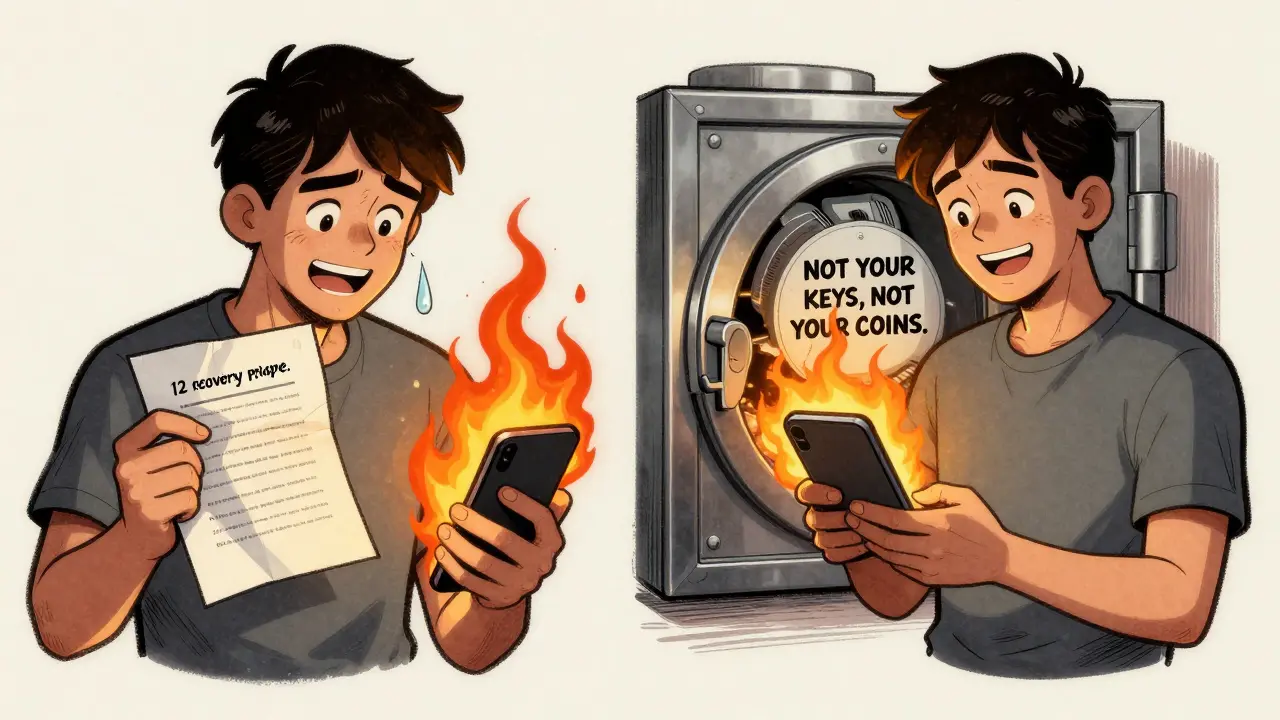
And if you’re using a custodial wallet - like the one built into Coinbase or Binance - you don’t even control the private keys. The exchange does. That means if they get hacked, go bankrupt, or freeze your account, you lose access. The industry mantra says it all: not your keys, not your coins.
Cold Wallets: Offline, But Not Invisible
Cold wallets are designed to stay offline. No internet. No remote access. No hackers. That’s the whole point. They’re not meant for daily use. They’re meant to store large amounts of crypto for the long term.
There are two kinds of cold wallets: paper wallets and hardware wallets. Paper wallets - a printout of your public and private keys - are outdated and risky. If you lose the paper, burn it, or get it stolen, you lose your crypto. Most serious users avoid them.
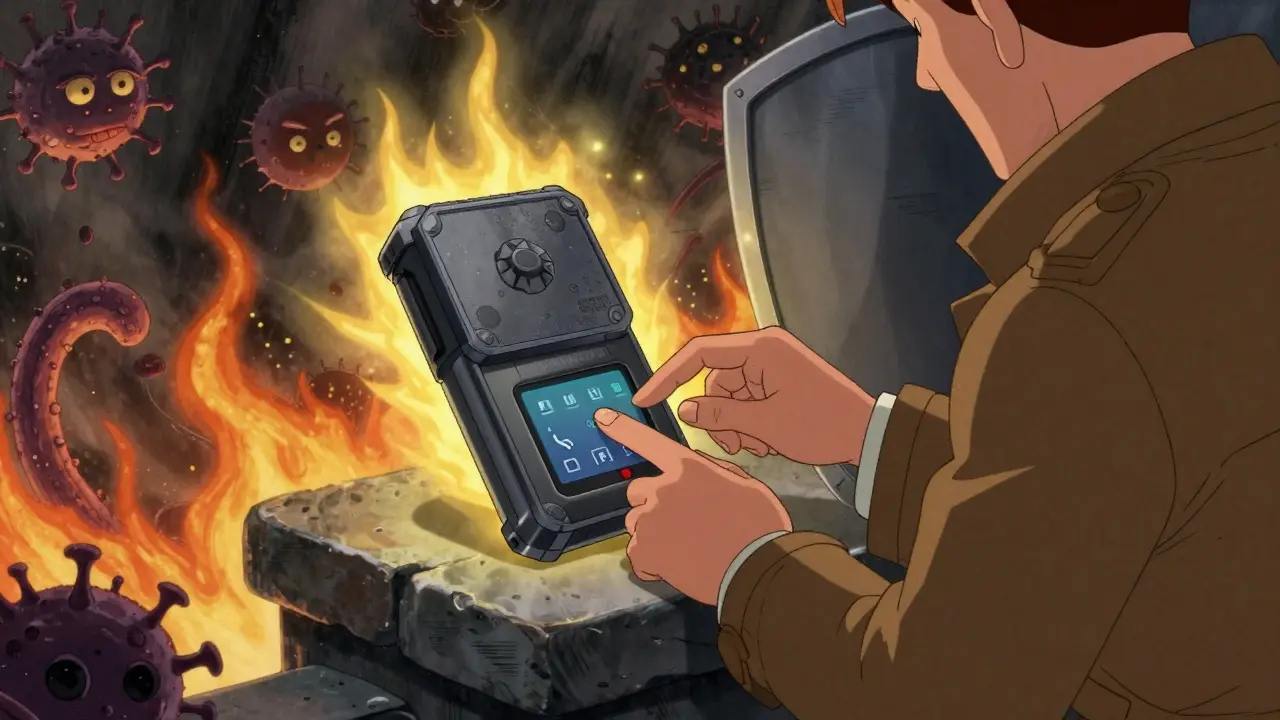
Hardware wallets are the real deal. These are physical devices, like a USB stick, that store your private keys offline. They’re the only type of cold wallet most people should consider today.
The Ledger Nano X is a hardware wallet with Bluetooth 5.0, a touchscreen, and support for over 5,500 cryptocurrencies costs $149. The Trezor Model One is a budget hardware wallet at $49 with support for around 1,000 cryptocurrencies. Both use secure chips to sign transactions without ever exposing your private key. You plug the device into your computer, enter your PIN, and approve each transaction on the screen. Even if your computer is infected with malware, the wallet stays safe.
According to Ledger’s 2024 report, cold wallets secure 63% of all cryptocurrency value held worldwide. That’s because institutions, whales, and long-term holders rely on them. But they’re not foolproof. A 2025 security audit found firmware vulnerabilities in three major hardware wallets, including one with a critical flaw (CVE-2025-1234) that could let attackers bypass security during updates.
Hot vs. Cold: The Trade-Off
Let’s cut through the noise. There’s no perfect wallet. Only the right one for your use case.
If you trade every day - buying ETH, swapping tokens, staking on DeFi platforms - you need a hot wallet. Zengo is a non-custodial wallet that uses 3-factor biometric security without a seed phrase is a great option for beginners. It skips the 12- or 24-word recovery phrase entirely. You log in with your face or fingerprint. No risk of losing a piece of paper. No guesswork. But it’s still a hot wallet. Your keys are still online.
If you’re holding Bitcoin, Ethereum, or any asset for more than a year - especially if it’s over $1,000 - you need a hardware wallet. Ledger Nano X and Trezor Model One are the two most trusted. Ledger handles more tokens. Trezor is open-source and cheaper. Both have been around since 2014. Neither has ever been hacked on the device level.
Here’s the math: In 2024, hackers stole $2.7 billion from hot wallets. From hardware wallets? $147 million. Most of that came from users who lost their recovery phrases or gave them away. The device itself didn’t break. The human did.
Non-Custodial vs. Custodial: Who Really Owns Your Crypto?
This is where most people get confused. A custodial wallet means someone else holds your keys. That’s what Coinbase, Binance, and Kraken do. It’s like leaving your car keys with a valet. Convenient? Yes. Safe? Only if you trust the valet.
A non-custodial wallet - like MetaMask, Exodus, or any hardware wallet - means you hold the keys. No middleman. No freeze button. No customer service to call when you mess up. You’re fully responsible.
That’s why the setup matters. When you first open a non-custodial wallet, you’re given a recovery phrase - usually 12 or 24 words. Write it down. On paper. Not on your phone. Not in a note app. Not in the cloud. Store it in a fireproof safe. If you lose it, your crypto is gone forever. No recovery. No reset. No help.
According to Blockchain.com’s 2025 report, 43% of all wallet support tickets are about lost recovery phrases. That’s more than phishing, more than hacks. It’s just… forgotten.
What Should You Use?
Here’s a simple rule:
- For daily trading, DeFi, NFTs, and quick swaps → Use a hot wallet like MetaMask or Zengo.
- For holding Bitcoin, Ethereum, or more than $1,000 → Use a hardware wallet like Ledger Nano X or Trezor Model One.
- For everything else - exchanges, apps, mobile access → Stick with non-custodial. Avoid custodial wallets unless you’re just starting out.
Many users do both. Keep a small amount in MetaMask for daily use. Put the rest in a Ledger. That’s the smart way.
Future of Wallets: What’s Coming?
The next wave isn’t about bigger screens or more coins. It’s about better security.
MetaMask just rolled out passwordless login using Ethereum’s ERC-6492 standard. Instead of a seed phrase, you can use biometrics or social recovery - letting trusted friends help you regain access if you lose your device.
Hardware wallets are getting smarter too. Ledger’s new Ledger Nano Flex has Bluetooth 5.2 and a touchscreen. No USB needed. Just tap to approve.
But challenges remain. The EU’s MiCA law now forces wallet providers to collect user IDs. That breaks the promise of anonymity. Meanwhile, quantum computing looms. In 10-15 years, today’s encryption could be cracked. Wallets will need to upgrade to post-quantum cryptography.
For now, the advice hasn’t changed: Use a hardware wallet for savings. Use a hot wallet for spending. And never, ever write your recovery phrase on your phone.
What’s the difference between a hot wallet and a cold wallet?
A hot wallet is connected to the internet and lets you make fast transactions - ideal for trading or daily use. A cold wallet is offline, meaning your private keys are never exposed online. Cold wallets are much harder to hack and are used for long-term storage of larger amounts of crypto. Hardware wallets are the most common type of cold wallet today.
Are hardware wallets really safer than software wallets?
Yes, when used correctly. Hardware wallets store your private keys on a physical device that never connects to the internet. Even if your computer is infected with malware, the wallet won’t leak your keys. In 2024, hardware wallets accounted for only 5% of all crypto thefts, despite holding over 60% of total crypto value. The risk comes from losing your recovery phrase or updating firmware from a fake website - not from the device itself.
Can I use one wallet for all my crypto?
Most modern wallets support multiple blockchains. MetaMask works on Ethereum, Polygon, Binance Smart Chain, and others. Exodus supports over 50 blockchains. Hardware wallets like Ledger Nano X handle over 5,500 cryptocurrencies. But you still need to choose between convenience (hot wallet) and security (cold wallet). Most people use both: a hot wallet for spending and a hardware wallet for savings.
What happens if I lose my recovery phrase?
If you lose your recovery phrase and don’t have a backup, your crypto is permanently gone. There’s no password reset. No customer support. No way to recover it. That’s why non-custodial wallets are so dangerous - and so powerful. You’re the only person who can protect your assets. Write it down. Store it safely. Double-check it. Treat it like the title to your house.
Should I use a custodial wallet like Coinbase Wallet?
Only if you’re just starting out and want to avoid complexity. Custodial wallets are easier - they handle the keys for you. But you don’t own your crypto. If Coinbase freezes your account or gets hacked, you could lose everything. For anything beyond small amounts, switch to a non-custodial wallet. It’s the only way to truly control your assets.
How do I know if a wallet is secure?
Look for open-source code, independent audits, and a long track record. Wallets like Ledger, Trezor, and MetaMask have been around for years and have been reviewed by security researchers. Avoid new wallets with no public code or no history of audits. Also, check user reviews for reports of phishing, lost funds, or poor customer support. If something sounds too good to be true - like a wallet that doesn’t need a recovery phrase - it probably is.
Final Thought: Control or Convenience?
Crypto wallets aren’t like bank apps. You can’t call someone and say, ‘I forgot my password.’ There’s no reset button. There’s no insurance. You’re the bank. You’re the guard. You’re the vault.
Hot wallets give you freedom. Cold wallets give you peace. The best strategy uses both. Keep what you spend in a hot wallet. Keep what you save in a cold one. And never, ever let your recovery phrase out of your hands.
8 Comments
Let me stop you right there. You think hardware wallets are safe? LOL. Ledger and Trezor? Both got pwned in 2025 via firmware update exploits. CVE-2025-1234? That’s not some theoretical flaw-it’s a backdoor in the bootloader. I’ve seen it happen. Guy thought he was safe with his Nano X. Turned out his ‘secure’ device was signing transactions for a hacker while he slept. You’re not storing crypto. You’re storing a false sense of security. And don’t even get me started on ‘non-custodial’-it’s just a marketing buzzword for ‘you’re on your own, dumbass.’
There’s a deeper layer here. We treat wallets like tools, but they’re mirrors. The hot wallet reflects our addiction to speed, our need to trade, to feel alive through volatility. The cold wallet? That’s our fear. Our desperation to cling to something real in a world that’s dissolving into digital vapor. We don’t need better security. We need to ask why we’re so terrified of losing what we never truly owned. Crypto isn’t money. It’s a therapy session with a blockchain.
I just read this whole thing. Honestly? Kinda underwhelming. Like, you spent 1000 words saying ‘use a hardware wallet’ and ‘don’t lose your phrase.’ Bro. I’ve been doing crypto since 2017. This is Reddit 101. Where’s the innovation? Where’s the new angle? I expected a deep dive into quantum-resistant key derivation or zk-SNARKs for recovery. Instead I got a Medium post with bullet points. Just… meh.
It is, perhaps, an incontrovertible fact that the fundamental architecture of contemporary cryptocurrency wallets is predicated upon an anthropocentric fallacy-that is, the assumption that human beings are reliably capable of preserving cryptographic integrity over time. Empirical data, however, suggests otherwise. The 43% recovery phrase loss statistic is not an anomaly; it is an inevitability. The human cognitive load required to manage private keys is incompatible with the complexity of modern financial systems. Ergo, the solution is not better education. It is architectural redesign. Custodial systems, despite their flaws, offer a higher probability of asset preservation. The romanticization of ‘not your keys, not your coins’ is, in practice, a form of economic self-sabotage.
Okay but like… have you ever just sat there and thought about how WEIRD it is that we’re all out here memorizing 24-word phrases like they’re sacred poetry? I mean, imagine if your house key was a sentence you had to recite in a dark room while holding a candle. And if you forgot it? Poof. Your whole life is gone. No insurance. No 1-800 number. Just silence. And then we wonder why people get anxiety about crypto? I’m not even mad. I’m just… sad. We built this whole thing on the idea that people are responsible, but we’re not. We’re messy. We forget birthdays. We lose socks. We don’t even remember where we put our damn chargers. And now we’re trusting our life savings to a sticky note? I just… I don’t know. I’m crying. I’m not even joking.
I’m sorry but this entire post is just giving people permission to be reckless. You say ‘use a hardware wallet for savings’ like it’s a magic shield. But you also say ‘don’t update firmware from a fake site’-which means you’re basically telling people to be paranoid 24/7. And then you recommend Zengo because it doesn’t use seed phrases? That’s not innovation-that’s a trap. No recovery phrase? What happens when you lose your phone? You’re locked out forever. And you call that user-friendly? No. That’s a one-way door. And you wonder why people get scammed? Because you’re giving them false comfort. This isn’t finance. This is a cult with a whitepaper.
I think you’re overcomplicating this. Just use MetaMask for daily stuff. Put the rest on a Ledger. Write your phrase down. Put it in an envelope. Put the envelope in a fireproof box. Done. No drama. No philosophy. Just… do the thing. You don’t need to be a genius. You just need to be consistent. I’ve held crypto since 2016. I’ve lost zero dollars. Not because I’m smart. Because I followed the dumbest rules. Keep it simple.
The paradigm shift here is not technological-it’s epistemological. The emergence of non-custodial infrastructure necessitates a redefinition of ownership as an operational construct rather than a legal one. The recovery phrase functions as a cryptographic signature of agency, rendering centralized custodianship ontologically obsolete. However, the cognitive burden of key management introduces a systemic risk vector rooted in human heuristics. The optimal solution lies in hybrid architectures: threshold signature schemes (TSS) combined with social recovery via verifiable credentials. This aligns with the principles of decentralized identity (DID) and mitigates the single-point-of-failure inherent in 12/24-word mnemonics. We must evolve beyond the ‘paper and candle’ model into a zero-knowledge, multi-party computation ecosystem.